A human in the loop checklist for businesses using AI
If an AI tool can send, pay or file without anyone choosing, nobody is in the loop. A short checklist for putting a person in charge, and the questions to ask before you trust any tool with your inbox or your books.

Key takeaways
- A human in the loop means a named person sees what the AI wants to do, and says yes, before anything leaves, spends money or commits you.
- Money, tax returns, contracts and anything that promises a price or a date should always wait for a person.
- Ask whether approval is on by default, whether you can see the list, and whether every decision is recorded.
- Approvals are a control you can see. They do not make a business compliant on their own.
A human in the loop means a named person sees what an AI intends to do, and says yes, before anything leaves your business, spends money or commits you to something. That is the whole idea. The detail that matters for a business is how it works day to day: what the person sees, which actions wait, and what is kept afterwards.
Asking before acting is no longer rare, and many tools now use similar words. The words are easy to match, so this article gives you a checklist you can put to any supplier, including us.
What a human in the loop looks like
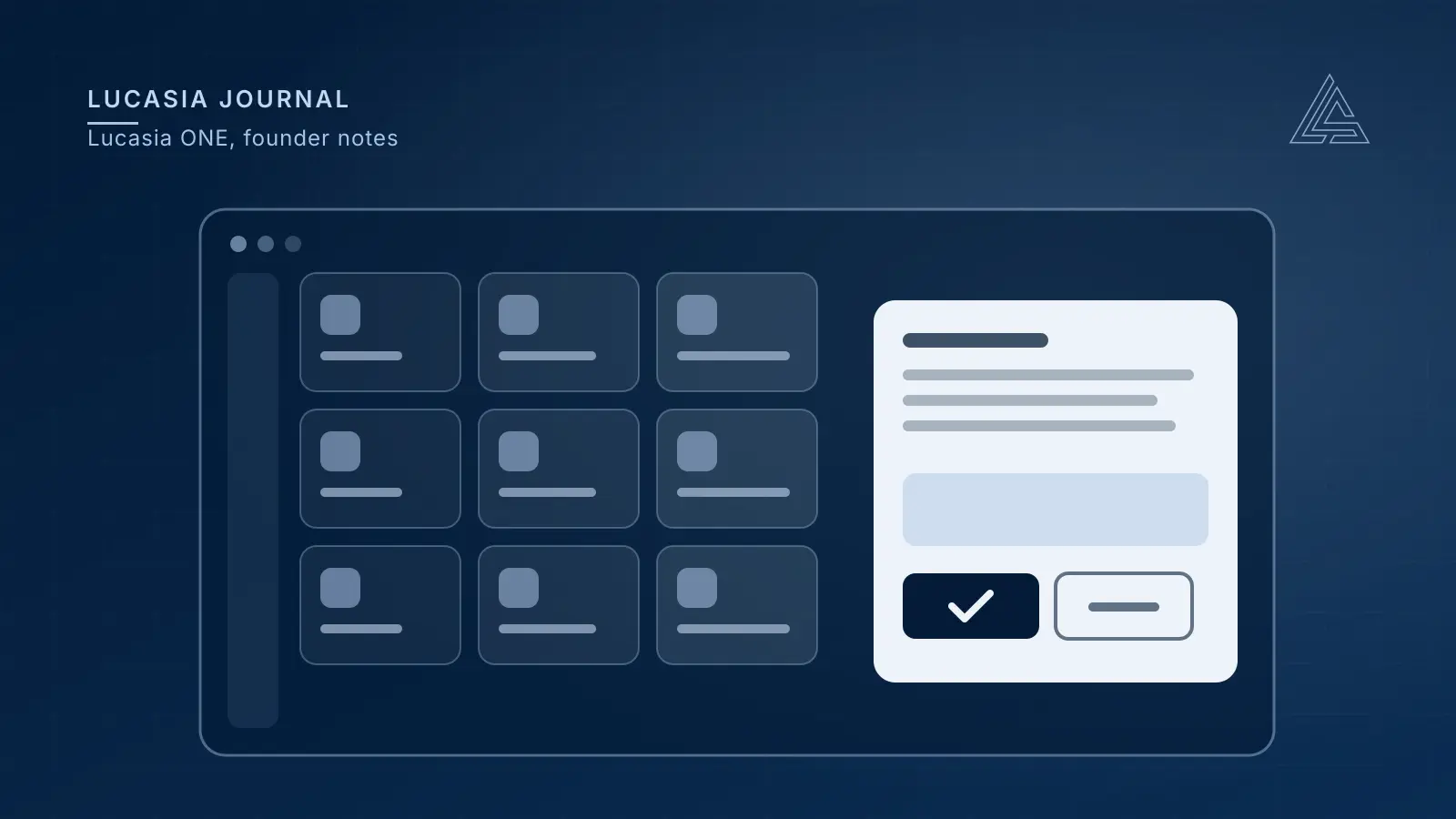
In the Lucasia app, the AI prepares the work and then shows you one card. The card says what it wants to do and why. You have three choices:
- Yes. The email, reminder or update goes out as shown, and the card records that you approved it and when.
- Amend. You say what should change, in your own words or by picking a suggestion. The new draft waits for your yes.
- No. Nothing is sent. The draft stays in your drafts and you can come back to it.
The design point is one card per decision. If approving means reading five screens, people stop reading and start clicking. A good approval is quick because it shows exactly the one thing you are agreeing to.
Which actions should always wait
Routine work can run without you: sorting, filing, matching and drafting. Some actions should never be done alone. In the Lucasia app these always wait for a person:
- Sending money or writing off a debt.
- Submitting a VAT return.
- Sending a contract to sign.
- Any reply that commits you to a price, a date or a promise.
- Publishing anything new on your website.
- Revealing a secret, every time.
Your own list may differ, and that is fine. What matters is that you can see the list and change who decides.
The checklist: seven questions for any AI tool
- Which actions need a person by default? Default matters, because most people never change settings.
- Can I see the full list? A vague promise is not a list.
- Can it send money, file a tax return or send a contract without asking? The answer should be no.
- What happens when the allowance runs out? It should stop and ask, not carry on and charge.
- Is every AI action and every approval recorded? You should be able to see who said yes, and when.
- Can I require two people to approve something? For larger decisions, one pair of eyes is not always enough.
- Who can see the records? A record nobody can read does not help.
Our answers to these are on the AI that asks before it acts page, and we compare how other tools answer them in the best AI employee platforms, compared on approvals.
Approvals need a record
An approval you cannot look back on is only half a control. When something goes wrong, or when you simply want to know why an email went out, you need the trail. In the Lucasia app, the Approvals area collects every decision in one place and records who approved what, and when. It is included on every plan, including the free one.
Every AI action is also recorded, so an error is easy to spot and explain. On the Scale and Enterprise plans, an Audit log module adds a record of who did what and when for every change in the app.
Limits and approvals work together
Approvals cover what the AI does. Limits cover how much it does and what it costs. Each plan includes a monthly allowance of AI actions. When it runs out, the app pauses and asks. It never charges extra on its own, and you choose whether to add 1,000 more actions for £15. Requests the app refuses or stops cost nothing. If you want to know what counts as an action, read what an AI action really costs.
What approvals do not do
An approval card is a control, not a legal guarantee. It shows that a person decided, and when. It does not make a firm compliant with any rule, and it does not replace advice from your accountant, your regulator or your own adviser. If your work is regulated, ask them what they expect to see, then check that your tools can show it.
A quick test
Pick one job you would hand to AI tomorrow, such as chasing overdue invoices. Write down what the AI may do alone, and what must wait for you. If you cannot write that list, you are not ready to hand the job over.
Where to start
Start with one routine job and keep every approval switched on while you learn how it behaves. Once the cards are right nine times out of ten, you will know where you can trust it and where you want to keep deciding. Try an approval card and see how it feels. The free plan is for 1 or 2 people and needs no card.
Share this article